Advice
3 Proven Tips for Better Planogram Compliance in Retail
Three ways a brand can keep its shelf position after reset: clear planogram communication, regular spot checks, and proof the set was done.
 Yohan Jacob
12 min read
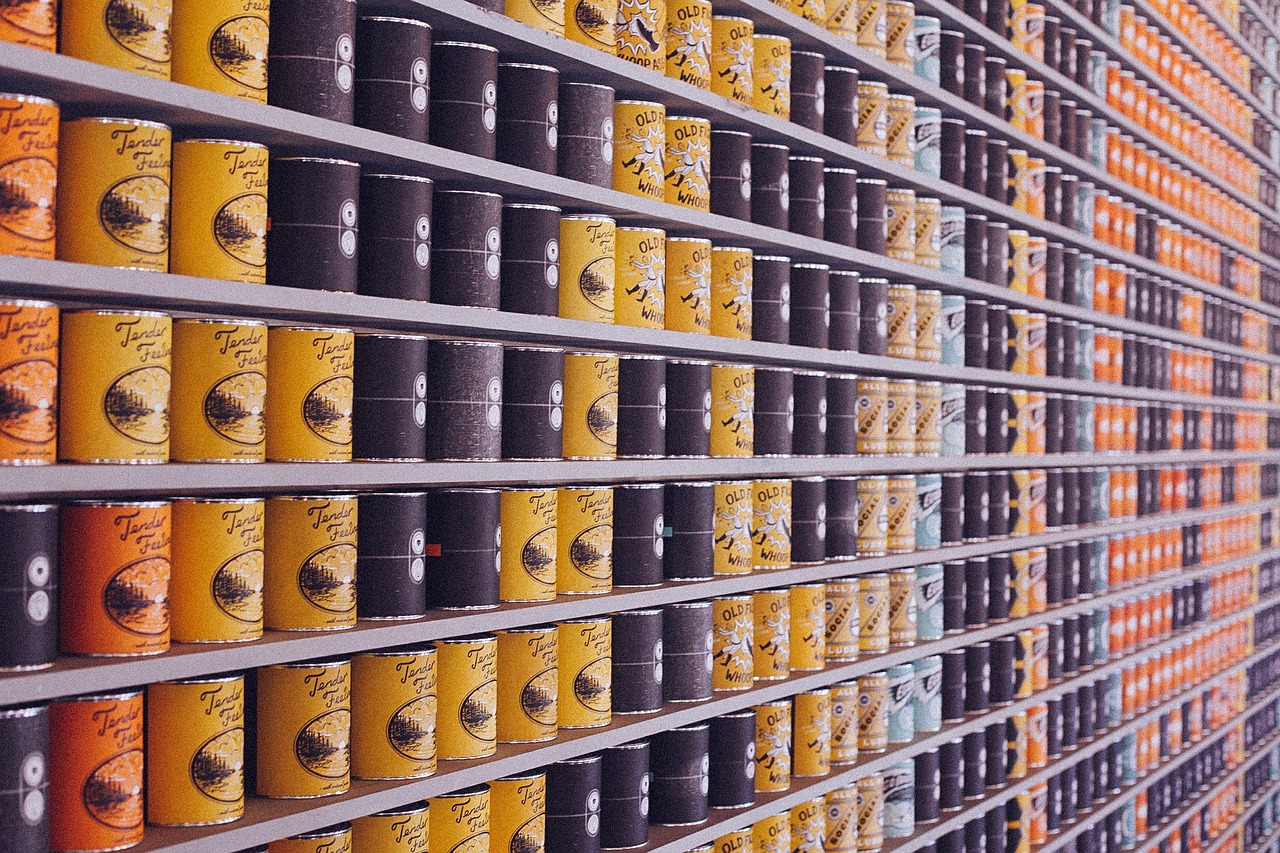
Shelf position is a key front in the battle for shoppers. Mobile audits improve on-shelf awareness. They give companies a direct line of sight into stores, which helps them keep planograms compliant. To win shoppers, guard against poor and improper shelf placement. If you want to know how to improve planogram compliance as a brand, the three tips below are where to start.
You could argue that the planogram is one of the most important category management tools available to retailers. That’s simply because of its end goal: it helps you to increase your sales and profit. Knowing that alone should push every retailer and product manufacturer to take planogram compliance seriously.

Key takeaways
- A planogram specifies what sits where on a shelf. Planogram compliance is how closely the real shelf matches that diagram, and it has to be maintained rather than set once at reset.
- Almost every guide to planogram compliance is written for retailers and answers with shelf monitoring software. A brand owns none of those stores and needs a different set of levers.
- Communicate the planogram clearly to everyone who touches the shelf. Most non-compliance starts with a planogram that arrived late or in a form the store could not use.
- Spot checks work. Seeing the shelf in person is still the fastest way to find out whether it looks the way the diagram says it should.
- Automating proof of implementation turns compliance from something you hope for into something you can show at category review.
- A brand cannot enforce compliance. It can make the correct set the easy set, and it can make non-compliance visible to the person who can fix it.
What planogram compliance means
A planogram is the diagram that specifies which products sit where on a retail shelf. It sets the quantity, the order and the number of facings. Planogram compliance is how closely the actual shelf in the actual store matches that diagram. High compliance means the shelf looks the way the category team designed it. Low compliance means products are missing, facings are wrong, or items are in the wrong place.
The part that gets missed is that compliance is not a single measurement taken at reset. A shelf set correctly on day one and the same shelf in week six are two different shelves. Stock moves. Staff rotate. Shoppers pull facings forward and leave gaps behind them. An out of stock opens a hole, and the brand next to you expands quietly into it. A promotional display pulls units off the planogrammed section. Nobody did anything wrong, and the shelf no longer matches the diagram.
So compliance is a maintained state, not an event. That distinction is the whole reason the three tips below exist. If compliance were settled at reset, one check would be enough and you could go home. Because it decays, the brands that hold their shelf position keep looking after the reset is over. The ones that do not usually find out at category review, when the sell-through number has already been recorded against them.
Here are 3 tips to help ensure planogram:
Tip 1: Communicate your planograms to role-players and stores effectively
Communication is key in everything you do. That’s especially true in retail. It matters even more when you create and then implement planograms.
An easy way to do this, and so improve planogram compliance, is to set up regular meetings between your retail buyers and the people on your team who create the planograms. It’s up to you to decide how often these meetings should take place.
Pro tip
Send a single-page setup sheet with a photo of the correct finished shelf, not only the planogram file. The person setting the shelf is often working fast, from a printout, on a busy sales floor. A picture of what right looks like removes the guesswork. It is the cheapest compliance fix available to a brand.
Tip 2: Conduct regular spot checks
To ensure planogram compliance, you can travel to the actual store and see if the shelf looks the same as it does on the planogram.
Pro tip
Check a store in the first two weeks after a reset, and again about six weeks later. The first visit tells you whether the shelf was set correctly. The second tells you whether it stayed that way. That is the number that actually costs you sales, and the one nobody measures. Two visits to one store are worth more than one visit to two stores.
Pro tip
Photograph the whole bay, not just your own facings. A shot of your products proves nothing about compliance, because compliance is about position relative to everything around you. A bay shot with the shelf edge labels legible lets anyone compare it against the planogram later, including a buyer who was not there.
That said, in-store spot checks are an old school tactic. They work fine if the stores are close by. They can get expensive and clumsy if you have stores in many parts of the country.
Just to note, this isn’t about trying to catch people out or throw anyone under the bus. It’s to make sure the work that goes into creating a planogram isn’t wasted. There is a good reason why planograms are built a certain way.
Note
An empty facing is usually an out of stock, not a compliance failure. The two have different causes and different owners. Separate them before you report anything. Raising a supply problem as a compliance complaint sends it to the wrong person and costs you credibility with both.
Tip 3: Automate proof of planogram implementations
If you don’t have time for spot checks, another good way to ensure planogram compliance is to automate the proof that they were implemented.
Pro tip
Aggregate before you escalate. One store out of position is an anecdote, and a buyer will treat it as one. The same failure photographed across a run of stores is a category execution problem the buyer has to act on. It arrives with its own evidence. Hold single-store issues for the field contact and save the buyer conversation for the pattern.
Again, this isn’t about trying to catch a store out. It’s about helping the store (or stores) perform to their potential. But it’s worth having everyone involved in getting proof that a store’s planograms are compliant.
Why planogram compliance slips
Compliance rarely slips because a store employee decided not to follow the plan. It slips for structural reasons, and several of them are the supplier’s own doing.
| What goes wrong | Why it happens | Whose problem it really is |
|---|---|---|
| The planogram arrives late or in a format the store cannot use | Files go out close to the reset date, or in a version that is hard to read on the equipment the store has | The retailer’s category team, and yours if you supplied the assets late |
| The packaging does not fit the space allocated | Depth, height or hanging needs were never checked against the fixture before the space was assigned | The brand. This one is almost always the supplier’s fault |
| The item is out of stock at the store | Replenishment, forecasting or a delivery that did not arrive. The gap gets filled with whatever is nearby | Shared. Often the brand’s fill rate |
| A neighboring brand expands into the gap | Someone else’s field team is in the store more often than yours | The brand that was not there |
| A promotional display pulls units off the shelf | The display and the planogrammed section compete for the same inventory | The brand and the retailer jointly, usually because nobody planned for both |
| Staffing at reset is thin | Resets take a lot of labor and get done fast by whoever is available | The retailer |
| Nobody checks afterward | Compliance is not any single person’s job once the reset is signed off | Whoever cares most about the outcome, which is you |
Read that last column again. Two of the most common causes belong to the brand, not the store: packaging that does not fit, and a gap left by your own out of stock. Getting retail-ready packaging right is on you. A third cause, a competitor taking your space, belongs to whoever shows up. Brands often complain to a buyer about store execution when the cause was upstream in their own operation. It costs them credibility they will need later. Sort the causes you own before you raise the ones you do not. Roughly half of what looks like a store problem is fixable at your end, and the retailer already knows which half. Promotional displays deserve a close eye too, and not only for the shelf. They are also where protecting your pricing across channels starts to matter.
What a brand controls and what only the retailer can
Search for planogram compliance advice and you will find software that scans shelves across hundreds of stores. That advice is written for retailers. As a supplier you do not own the stores. You cannot install anything in them, and you cannot instruct the people who set the shelf. Your levers are real, but they sit upstream and sideways rather than in-store.
| Lever | Who controls it | What you can do about it |
|---|---|---|
| Quality of what you submit | The brand | Send accurate dimensions, weights, images and planogram assets early, in the format the category team asked for |
| Whether the packaging fits the space | The brand | Check depth, height, peg and shelf clearance against the actual fixture before the space is assigned, not after |
| Shelf-ready cases and shippers | The brand | Design the case so the correct set is the fastest set. A tray that goes straight onto the shelf gets set right more often than loose units |
| Fill rate and on-shelf availability | The brand | Ship complete and on time. An out of stock creates the gap that every other problem grows in |
| What your field team reports | The brand | Tell your broker or merchandiser exactly what to photograph and record: facings, position, price ticket, neighbors and stock level |
| Evidence brought to the buyer | The brand | Pull together what your field team collects into something a category manager can act on |
| The reset schedule and store waves | The retailer | Ask for the calendar and which stores are in the first wave |
| Store labor at reset | The retailer | Nothing directly. Make your set easy enough that thin labor still gets it right |
| The planogram itself and any enforcement | The retailer | Ask, with evidence. You do not get to instruct |
The asks worth making at category review are narrow and specific. Ask for the planogram in advance rather than after the reset. Then you can check the space against your packaging while a change is still possible. Ask which stores are in the first wave. That is where you send your field team, and where problems surface early enough to fix. Our Ace Hardware guide covers what to bring to a category review in more detail.
Ask who to contact when a store is out of position. Most brands go straight to the buyer. That is the wrong door, and it burns a relationship on a single store. There is usually a field or account contact whose job this is. Knowing their name is worth more than a complaint.
And bring photographs rather than opinions. A dated set of images from twenty stores showing the same problem is a category issue a buyer has to act on. One photo and a frustrated email is an anecdote, and it gets filed.
The idea to hold onto is this: a brand does not enforce compliance. A brand makes compliance easy, then makes non-compliance visible. Everything on your side of that table serves one of those two jobs.
What to do when you find your product out of position
Finding the problem is the easy half. What you do in the next hour decides whether it gets fixed or becomes a report nobody acts on. Work the steps in order. Skipping to the last one is how brands lose standing with a buyer, and that is one of the risks of retail expansion nobody budgets for.
- Photograph it properly. The shot needs the store, the date and the shelf section visible, plus the price ticket and the products on either side. That turns it into evidence. A cropped photo of your own product with no context is an anecdote. A category manager can dismiss it without looking twice.
- Work out whether it is a compliance failure or an out of stock. These look identical on the shelf and go to completely different people. An empty facing is a replenishment or supply problem, and often yours. A filled facing in the wrong place, or a competitor’s product in your space, is an execution problem. Send the wrong one to the wrong person and you waste the credibility you will need for the real issue.
- Raise a single store through the field or account contact. One store is a store problem. Handle it through your broker, your merchandiser or the account contact whose job it is. It can often be fixed on the next visit without anyone escalating anything.
- Aggregate before you go to the buyer. Collect the same issue across stores and look for the pattern: a region, a store format, a particular wave of the reset, a fixture type. One store is an anecdote. Twenty stores showing the same thing is a category problem the buyer has to act on. It arrives as information rather than a complaint.
- Bring it to category review with the sales consequence attached. Show the shelf, show the spread, and connect it to what the category lost while the shelf was wrong. Buyers act on sales impact. They do not act on frustration, and a review is the wrong place to discover that difference.
Free consultation
Talk to a retail expert about your product.
We build the retailer list, the pricing model, and the buyer pitch, so your first meeting starts from your numbers instead of theirs.
Retainer only, no commission · 150+ retailers · No obligation
Frequently asked questions
A planogram is the diagram that specifies which products sit where on a shelf, in what quantity and in what order. Planogram compliance is how closely the actual shelf in the actual store matches that diagram. It is a maintained state rather than a one-off check. A shelf set correctly at reset drifts as stock moves and neighboring products expand.
The most common are a planogram that reaches the store late or in an unusable format, packaging that does not fit the space allocated, an out of stock being filled with a neighboring product, units pulled away to a promotional display, and nobody checking the shelf after reset. Several of these start with the brand rather than the store.
It is not an acronym. A planogram is simply a plan of the shelf, a visual diagram showing product placement, facings and sequence in a given space. In practice, retailers and brands use it to mean both the diagram and the shelf layout it specifies.
Photograph the full bay, with the shelf edge labels legible, in person or through a field merchandiser. Compare it against the planogram you were given. Visit once shortly after a reset and again several weeks later, because the second visit is the one that shows drift. Aggregate results across stores before raising anything with a buyer.
It is the shelf plan a retailer builds for a category. It decides which products get space, how much space each gets, and where they sit relative to each other. For a brand it is the document that turns a purchase order into visible shelf presence, which is why the submission and the follow-up both matter.